ChatGPT for Excel
Turn messy data into a report you trust. Practice formulas, cleanup, charts, and checks with ChatGPT and Excel.
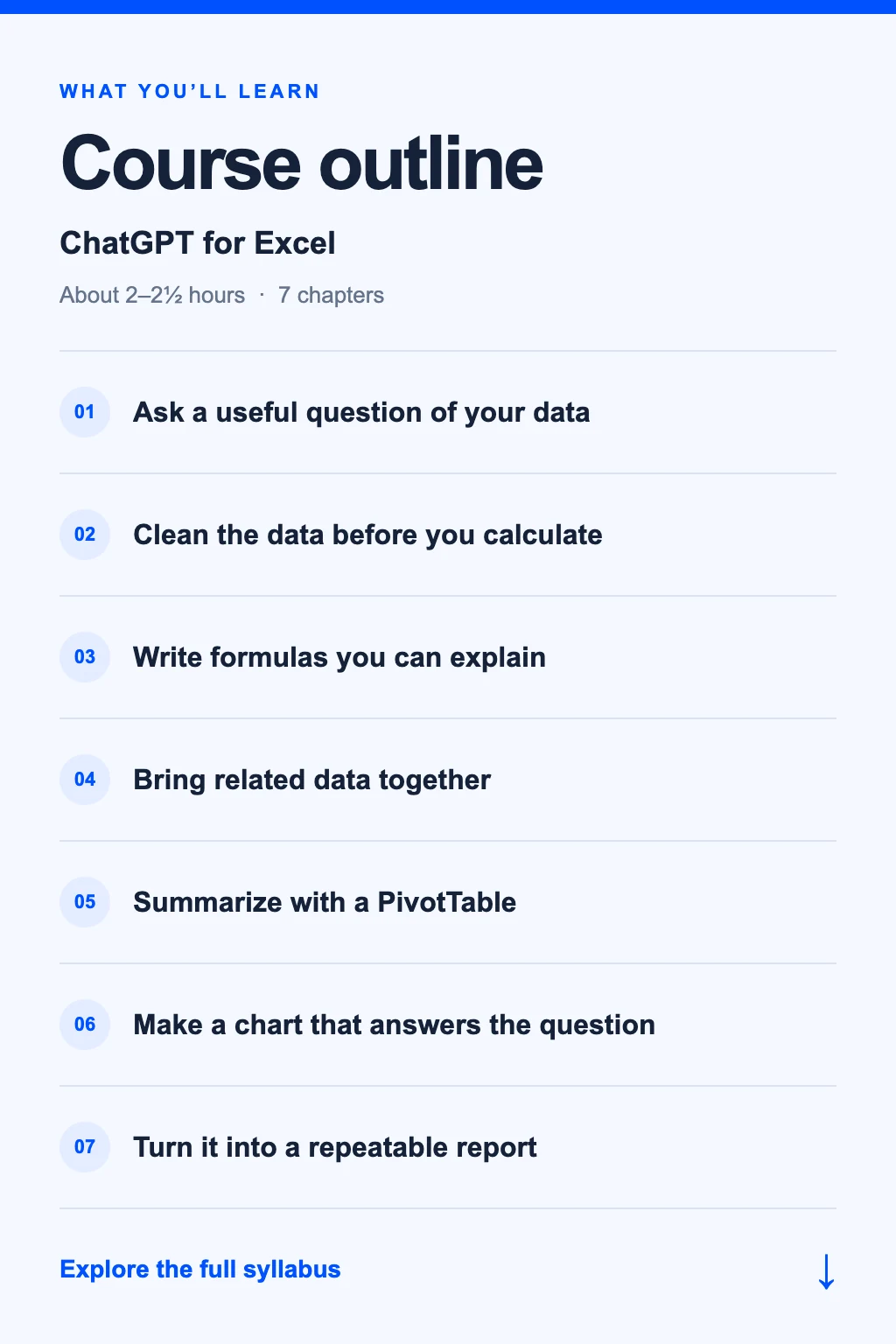
Course outline
Learn the essentials. Then put them to work.
Coming soon. This is our planned syllabus; content and timing may change.
Syllabus
7 chapters · 18 short lessons · 1 final project
- Choose the question and define the columns
- Use a sample workbook and keep an original copy
- Ask ChatGPT to inspect the structure before analyzing
Write a brief for a weekly sales report.
Requires access to Excel and ChatGPT. The core workflow uses sample files and Excel; an in-Excel AI add-in is not required.
- Spot text stored as numbers and inconsistent dates
- Review missing values and possible duplicates
- Keep a record of changes and check row counts
Prepare a clean sales table and explain every change.
- Describe the calculation in plain language
- Use relative and absolute references correctly
- Check SUMIFS or IF results against a few manual examples
Calculate category totals and flag rows that need review.
- Identify a reliable matching key
- Ask for an XLOOKUP formula and a compatible alternative
- Handle missing matches and duplicate keys explicitly
Add product categories to the sales table and review unmatched rows.
Formula availability varies by Excel version. Lessons include an alternative when XLOOKUP is unavailable.
- Choose rows, values, and filters
- Compare sums, counts, and averages
- Reconcile totals and refresh after adding rows
Summarize sales by category and week in Excel.
- Match the chart to a comparison or trend
- Label units, dates, and categories clearly
- Write a brief summary that separates facts from guesses
Build one readable chart and a three-sentence report.
Reconcile the finished report, test it with a second sample, and save a short refresh checklist.
Final project: a checked Excel report with working formulas, a summary, and a chart. Review downloaded workbooks in Excel before relying on them.