Vibe Coding for Beginners
Build your first game with ChatGPT. Turn a small idea into something you can play, improve, and understand.
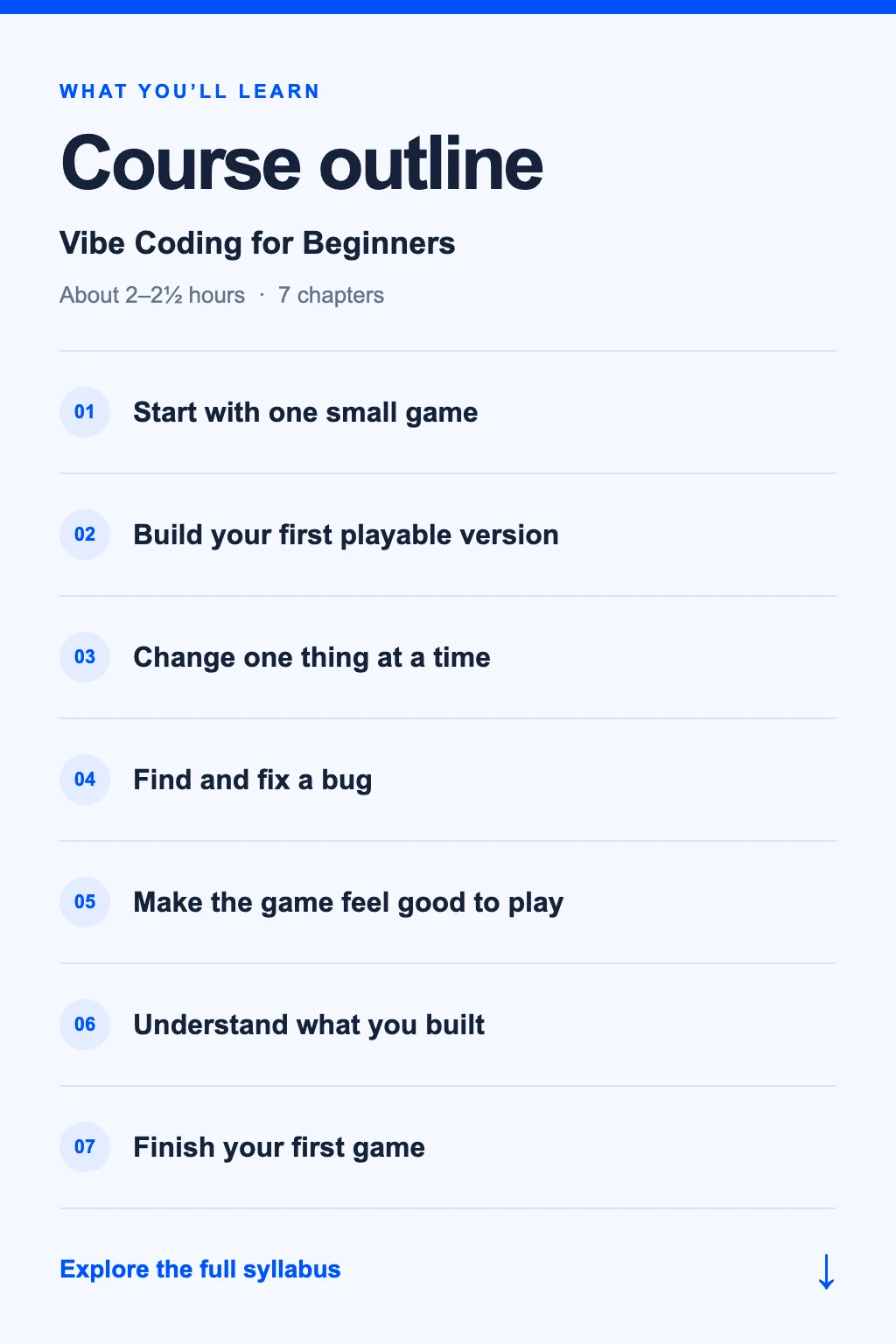
Course outline
Learn the essentials. Then put them to work.
Coming soon. This is our planned syllabus; content and timing may change.
Syllabus
7 chapters · 18 short lessons · 1 final project
- Choose a simple browser game
- Define controls, scoring, and a win or loss
- Write a small build brief with ChatGPT
Describe a click-the-target game in five clear requirements.
- Understand HTML, CSS, and JavaScript at a glance
- Request a self-contained browser game
- Open a preview and compare it with your brief
Play a complete round and note one thing that works and one thing to improve.
Use Canvas preview where available, or a downloaded HTML file in a desktop browser. No paid hosting is required.
- Describe a change with an example
- Preserve the current rules and behavior
- Save a working version before the next change
Add a score counter and confirm that scoring still matches the rules.
- Describe expected versus actual behavior
- Share reproduction steps and an error or screenshot
- Retest the fix and an unaffected behavior
Fix a restart or scoring issue and keep a short test checklist.
- Make instructions and game states clear
- Support a small screen and usable controls
- Add feedback without distracting from play
Improve the start, win, loss, and restart states.
- Ask where rules, visuals, and state live
- Recognize external dependencies and network requests
- Keep the first game local and avoid accounts or payments
Explain how a round starts, updates, and ends in your own words.
Run your checklist, fix the remaining problems, save the final file, and write clear instructions for another player.
Final project: a small playable browser game. Publishing is a separate step; this course does not promise app-store deployment.